
Digital Signage
Digital Signage for Conference Rooms
Commercial-grade displays, powered by Sho — built for your space.
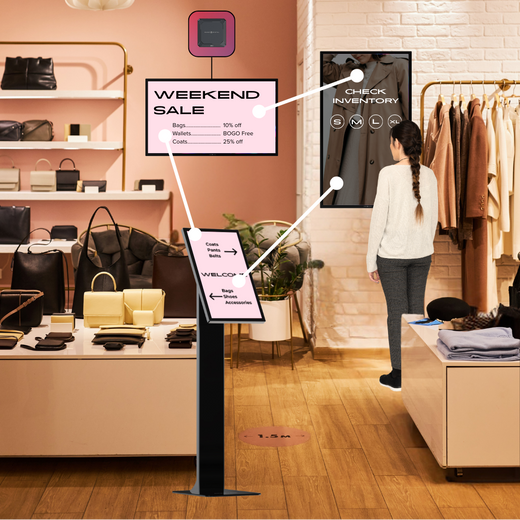
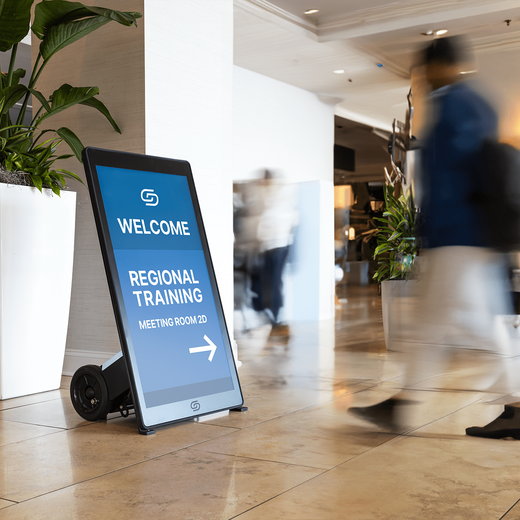
Conference room signage shows schedules and availability at the door, while in-room displays handle presentations and video calls. Interactive options make collaboration one tap away.

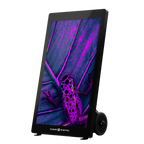
Evo™ Roll Pro Digital A-Frame
$4,499.00 /
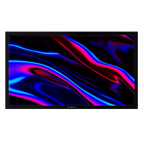
Nio Non-Interactive Display
From $999.00 /
Sho Digital Signage Software
From $149.00 /
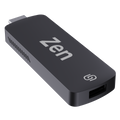
Zen Stick
$99.00 /
Way Interactive Digital Signage
From $1,799.00 /
Evo™ Tall Digital A-Frame
$3,299.00 /
Evo™ Tall Pro Digital A-Frame
$4,799.00 /
Müv Pro Mobile Kiosk
$2,499.00 /
Evo™ Roll Digital A-Frame
$2,999.00 /
Tab Tabletop Touchscreen Digital Display
$999.00 /
Tab Tall Touchscreen Digital Display
$1,699.00 /
Tok™ Digital Podium
$3,999.00 /

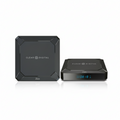
Zen Digital Signage Player
$249.00 /


01
Built for Conference Rooms
Commercial-grade displays rated for all-day use — not consumer TVs pushed past their limits.
02
Update screens in seconds
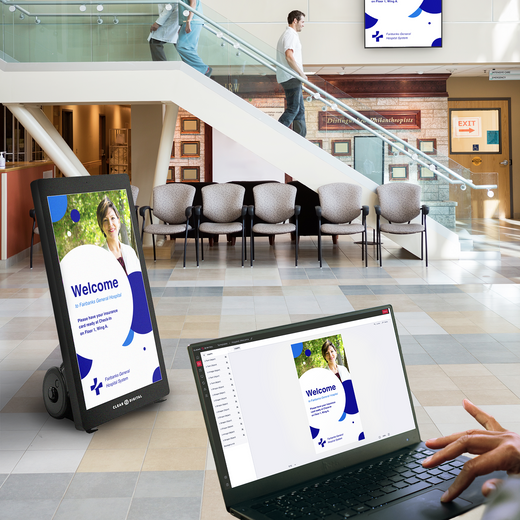
Sho software powers every display — change menus, promos, and messaging from one app, instantly.
03
US owned & operated
Award-winning hardware, real human support, and freight from our SC & NV warehouses.
FAQ
Common questions
Everything teams ask before putting digital signage to work in Conference Rooms.
What Is Digital Signage for Conference Rooms?
Digital signage for conference rooms refers to screens, displays, and kiosks used inside meeting spaces to communicate information in real time. This includes room availability displays outside each door, agenda screens inside the room, announcement boards in hallways, and video walls in larger boardrooms.
What Can I Display on Meeting Room Digital Signs?
The possibilities are wide open. You can display real-time room schedules and booking status, meeting agendas, presenter information, company announcements, internal communications, emergency alerts, wayfinding and directory maps, branded welcome screens, and even live data from Google Sheets or Slides. Our Sho CMS also integrates with popular apps like Canva, YouTube, Instagram, and other tools your team already uses, so keeping content fresh is easy and efficient.
Can I Integrate Conference Room Signage with Our Calendar System?
Of course! Our signage for meeting rooms is designed to work alongside your existing workflows. You can pull scheduling data from Google Calendar and display live room availability, current bookings, and upcoming reservations directly on your conference room displays. This eliminates double bookings and gives your team instant visibility into which rooms are open at any given time.
Do I Need an IT Team to Set Up or Manage Digital Signage?
Not at all. We are built for teams of all technical skill levels. If you already have TVs or monitors in your conference rooms, our Zen Stick media player plugs directly into the HDMI port and connects to Sho CMS in minutes. For larger installations or all-in-one commercial displays, our support team provides hands-on onboarding and guided setup. Most customers are ready to go live within a single day.
How Much Do Conference Room Digital Displays Cost?
Pricing varies based on the number of screens, hardware type, and your chosen Sho CMS subscription tier. You can start off affordably with the Zen Stick and scale up as your needs grow. We offer flexible annual licensing and our team will build a custom quote based on your room count and requirements. Schedule a free demo to get a personalized recommendation and pricing.
Talk to an expert
Book a Product
Consultation.
See the right displays for your space — hardware and Sho, live with a signage expert.