

Digital Signage
Digital Signage for Libraries
Commercial-grade displays, powered by Sho — built for your space.
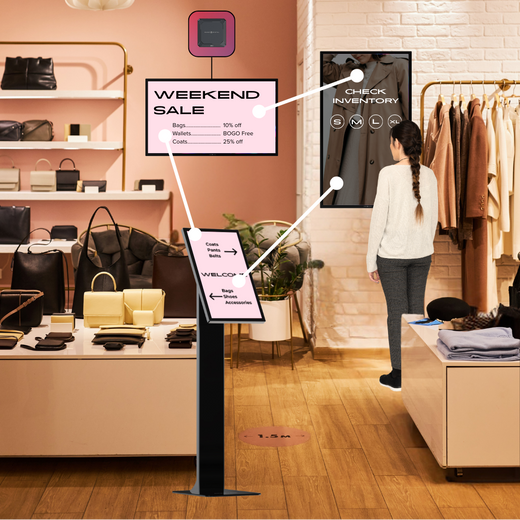
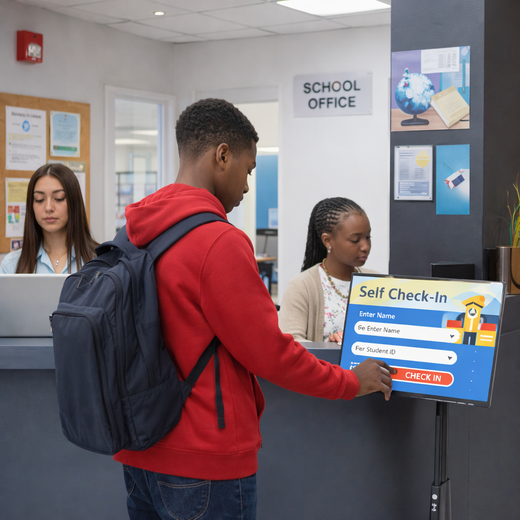
Library signage handles event calendars, room availability, and new-arrival highlights without a word spoken. Touchscreen options add self-serve wayfinding.

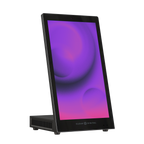
Tab Tabletop Touchscreen Digital Display
$999.00 /
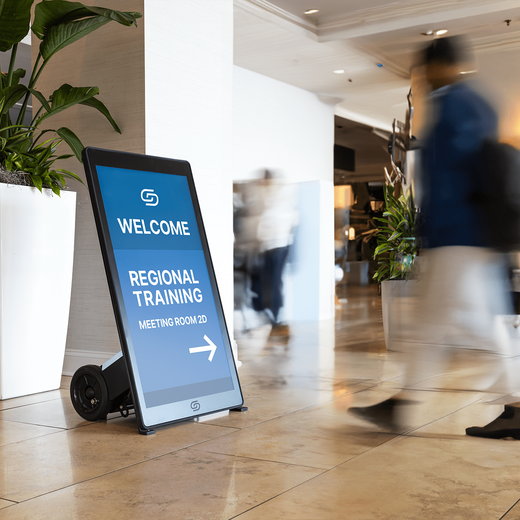
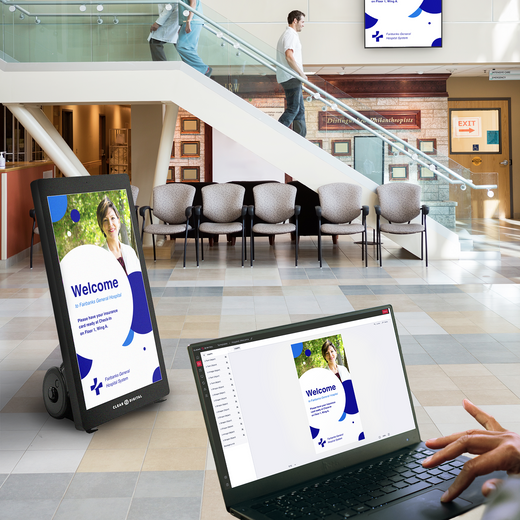
Evo™ Roll Pro Digital A-Frame
$4,499.00 /
Sho Digital Signage Software
From $149.00 /
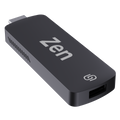
Zen Stick
$99.00 /
Evo™ Tall Pro Digital A-Frame
$4,799.00 /
Müv Pro Mobile Kiosk
$2,499.00 /
Nio Non-Interactive Display
From $999.00 /
Evo™ Roll Digital A-Frame
$2,999.00 /
Tab Tall Touchscreen Digital Display
$1,699.00 /

Way Interactive Digital Signage
From $1,799.00 /
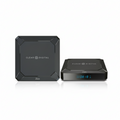
Zen Digital Signage Player
$249.00 /
Evo™ Tall Digital A-Frame
$3,299.00 /


01
Built for Libraries
Commercial-grade displays rated for all-day use — not consumer TVs pushed past their limits.
02
Update screens in seconds
Sho software powers every display — change menus, promos, and messaging from one app, instantly.
03
US owned & operated
Award-winning hardware, real human support, and freight from our SC & NV warehouses.
FAQ
Common questions
Everything teams ask before putting digital signage to work in Libraries.
What Is Digital Signage for Libraries?
Library digital signage refers to screen-based communication systems used throughout a library facility to inform and engage patrons. This includes displays in entryways, reading rooms, and hallways showing event schedules, wayfinding maps, new arrivals, hours of operation, and community announcements.
How Does Digital Signage Software Work?
Digital signage software connects your screens to a cloud-based platform where staff can create, schedule, and publish content remotely. You pair a media player, like our Zen Stick, to any existing TV display, log into Sho CMS, and begin managing your content from any device. No on-site IT support is needed for day-to-day updates.
What Kinds of Content Can Libraries Display on Digital Signs?
Libraries can display a wide variety of content, including upcoming event schedules, program registration deadlines, branch hours and closures, new book arrivals, staff spotlights, wayfinding maps, community partner announcements, emergency alerts, and live social media feeds. With our app integrations (including Google Slides, Canva, and more) you can pull live content directly into your displays.
Are Digital Displays Difficult to Set Up and Manage?
Not at all. Most libraries are up and running within minutes. Staff at any technical level can use Sho CMS to create and update content using drag-and-drop tools and pre-built templates. Our onboarding team also provides hands-on setup support, so your team never feels left on their own.
How Much Does Digital Signage for a Library Cost?
Pricing depends on the number of screens, hardware requirements, and the software plan that best fits your library's needs. We offer flexible annual licensing plans that are accessible for public institutions with tight budgets. We recommend scheduling a free demo so we can build a personalized quote based on your facility size and goals.
Talk to an expert
Book a Product
Consultation.
See the right displays for your space — hardware and Sho, live with a signage expert.