

Digital Signage
Digital Signage for Corporate Communication
Commercial-grade displays, powered by Sho — built for your space.
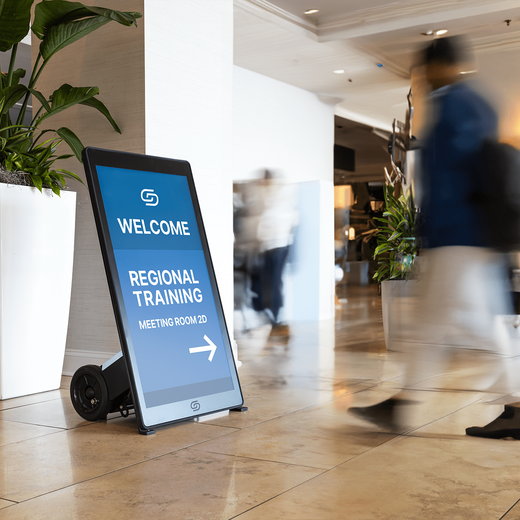
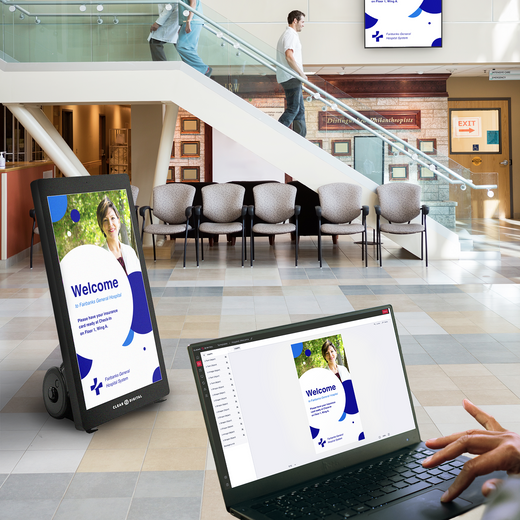
Corporate signage aligns headquarters and branch offices with the same announcements, metrics, and culture content. Manage every screen in the company from one dashboard.

Evo™ Roll Pro Digital A-Frame
$4,499.00 /
Way Interactive Digital Signage
From $1,799.00 /
Sho Digital Signage Software
From $149.00 /
Zen Stick
$99.00 /
Evo™ Tall Digital A-Frame
$3,299.00 /
Evo™ Tall Pro Digital A-Frame
$4,799.00 /
Evo™ Roll Digital A-Frame
$2,999.00 /
Müv Pro Mobile Kiosk
$2,499.00 /
Nio Non-Interactive Display
From $999.00 /
Tab Tabletop Touchscreen Digital Display
$999.00 /
Tab Tall Touchscreen Digital Display
$1,699.00 /
Tok™ Digital Podium
$3,999.00 /

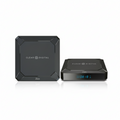
Zen Digital Signage Player
$249.00 /


01
Built for Corporate Communication
Commercial-grade displays rated for all-day use — not consumer TVs pushed past their limits.
02
Update screens in seconds
Sho software powers every display — change menus, promos, and messaging from one app, instantly.
03
US owned & operated
Award-winning hardware, real human support, and freight from our SC & NV warehouses.
FAQ
Common questions
Everything teams ask before putting digital signage to work in Corporate Communication.
What Is Digital Signage for Corporate Communications?
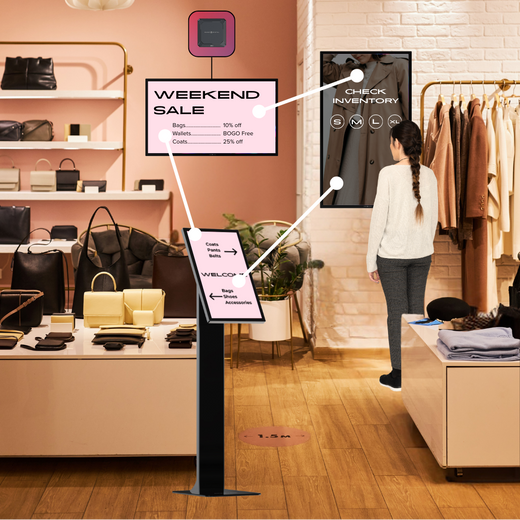
Corporate communications digital signage refers to networked screens placed throughout an office, campus, or multi-location organization to deliver real-time information to employees. This includes company announcements, KPI dashboards, meeting room schedules, emergency alerts, employee recognition, wayfinding maps, and more. Unlike static bulletin boards or email, digital signage ensures your message reaches employees where they already are, in the lobby, break room, hallway, or conference room, without competing for attention in a crowded inbox.
How Does Corporate Digital Signage Software Work?
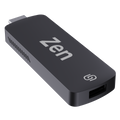
Digital signage software, like our Sho CMS, connects all of your office screens to a centralized, cloud-based content management system. Once your displays are paired, either through a plug-in media player like the Zen Stick or a built-in device, your communications team can create, schedule, and push content from any browser or device.
Can I Easily Manage Digital Displays for Multiple Office Locations?
Absolutely. Our Sho CMS is built for multi-location organizations. You can manage content across dozens of offices from a single account, assign different content to specific locations or display zones, and push company-wide announcements to every screen simultaneously. Role-based permissions let regional managers update their own local content while corporate communications teams maintain control of global messaging.
How Quickly Can We Deploy Digital Signage?
Most organizations are up and running the same day hardware arrives. The Zen Stick, for example, simply plugs into any HDMI port on your existing TVs or monitors with no IT installation required. Once connected, you link it to your Sho account and start publishing content immediately. For larger deployments with dedicated hardware, our team provides guided onboarding to ensure every screen is configured correctly from day one.
How Much Does Corporate Digital Signage Cost?
Pricing depends on the number of screens, hardware selection, and Sho software plan. We offer flexible subscription tiers designed to scale with your organization, from a single-office pilot to an enterprise-wide rollout across hundreds of displays. Hardware ranges from affordable media players to premium large-format displays and interactive kiosks. We recommend scheduling a free demo to get a personalized recommendation and quote based on your specific facility and communication goals.
Talk to an expert
Book a Product
Consultation.
See the right displays for your space — hardware and Sho, live with a signage expert.