

Digital Signage
Digital Signage for Schools
Commercial-grade displays, powered by Sho — built for your space.
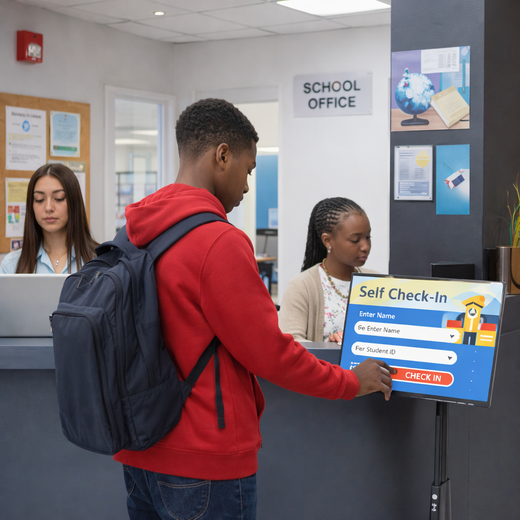
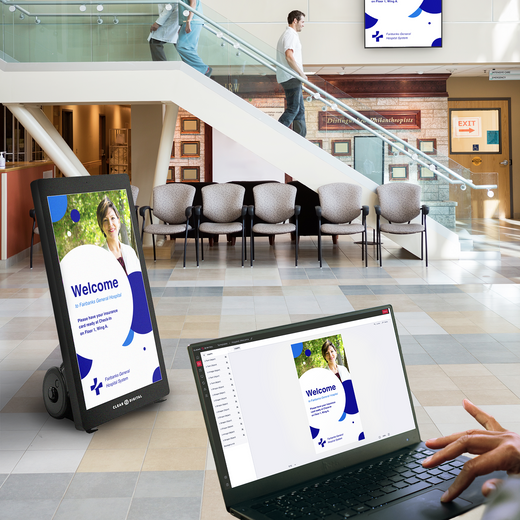
Keep campuses connected and informed. Digital displays help schools share announcements, schedules, and real-time updates. From hallways to classrooms, communication becomes immediate and engaging.

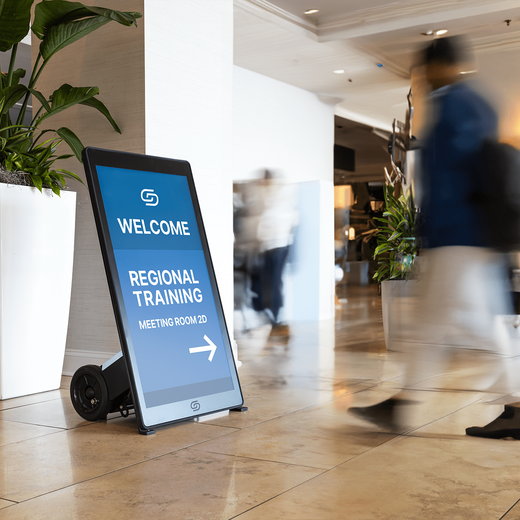
Evo™ Roll Pro Digital A-Frame
$4,499.00 /
Nio Non-Interactive Display
From $999.00 /
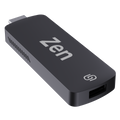
Zen Stick
$99.00 /
Müv Pro Mobile Kiosk
$2,499.00 /
Zen Digital Signage Player
$249.00 /

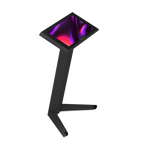
Tab Tall Touchscreen Digital Display
$1,699.00 /
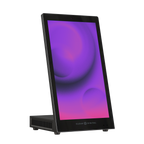
Tab Tabletop Touchscreen Digital Display
$999.00 /
Evo™ Tall Pro Digital A-Frame
$4,799.00 /
Evo™ Tall Digital A-Frame
$3,299.00 /
Tok™ Digital Podium
$3,999.00 /
Way Interactive Digital Signage
From $1,799.00 /
Evo™ Roll Digital A-Frame
$2,999.00 /


01
Built for Schools & Education
Commercial-grade displays rated for all-day use — not consumer TVs pushed past their limits.
02
Update screens in seconds
Sho software powers every display — change menus, promos, and messaging from one app, instantly.
03
US owned & operated
Award-winning hardware, real human support, and freight from our SC & NV warehouses.
FAQ
Common questions
Everything teams ask before putting digital signage to work in Schools & Education.
What Is Digital Signage for Schools?
Digital signage for schools refers to networked screens and displays placed throughout a school or campus to communicate with students, staff, parents, and visitors. This includes wall-mounted displays in hallways, digital display boards in classrooms, lobby welcome screens, cafeteria menu boards, outdoor signage, and more. Our Sho CMS connects all of these displays to one central platform, making it easy to manage content, schedule messages, and push emergency alerts across an entire district from any device.
How Does Digital Signage Software Work?
Digital signage software connects your school's screens to a cloud-based content management system. Once your displays are paired, either through a plug-in media player like the Zen Stick or a built-in device, your team can create, schedule, and update content from anywhere. Sho CMS supports drag-and-drop design, template libraries, app integrations, and one-click emergency alert broadcasting.
What Kind of Content Can Schools Display on Digital Signs?
With Sho's app integration and 100+ templates to choose from, creating fresh, on-brand content takes minutes. Schools can display a wide range of content such as:
Is It Easy to Set Up Digital Signage?
Most schools are up and running the same day. Plug the Zen Stick into any existing TV or HDMI display, log into the Sho CMS platform, and start publishing content from our ready-made template library. No professional installation or dedicated IT staff is required. Our onboarding team is also available to walk you through setup and answer any questions along the way.
How Much Do Digital Displays Cost?
Pricing depends on the number of screens, the hardware you choose, and your software licensing tier. We offer flexible, budget-friendly options as well as large-scale packages. Schools can start with a low-cost option like the Zen Stick that turns any existing TV into a digital display, then scale up to larger commercial displays as needs change. Sho CMS is available in annual subscription plans with pricing that works for single schools and large districts alike. We recommend scheduling a free demo so our team can build a personalized quote based on your campus size and goals.
Talk to an expert
Book a Product
Consultation.
See the right displays for your space — hardware and Sho, live with a signage expert.