
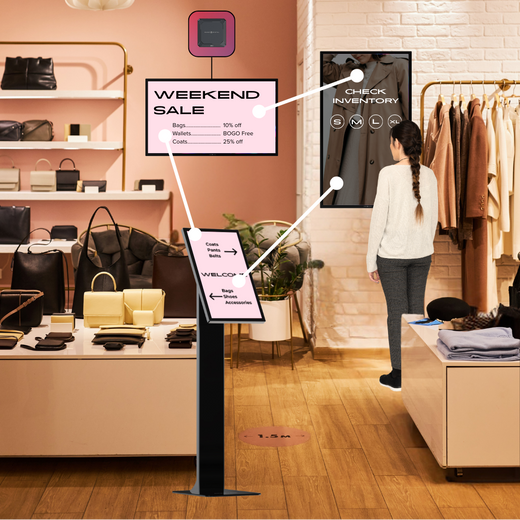
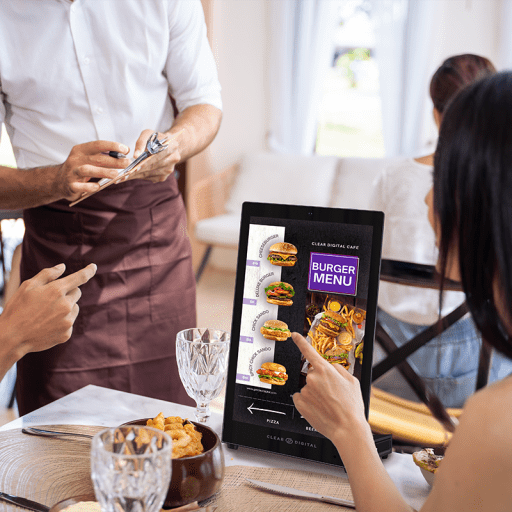
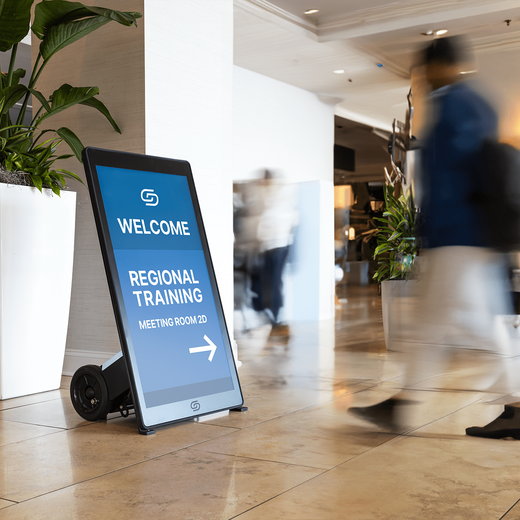

Uploading content to a TV, digital sign, or digital display can feel like a hassle for business owners. Creating the content, uploading it onto a flash drive, and displaying it can be a battle. Repeatedly tweaking content and playing it takes time that many business owners have little capacity for.
Even still, using a thumb drive remains one of the most common ways for businesses to upload content onto their digital sign. It's a "good enough" fix but outdated, and businesses need modern solutions such as signage media players and content management software (CMS) to streamline the process. These modern ways to display have many benefits such as: collaboration capabilities, over the air display, design features, etc.
Let's dive into the key differences between using signage media players and thumb drives and determine which method is the best investment.

What is a signage media player?
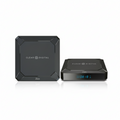
A signage media player is a content playing device for digital displays, but the capabilities go beyond simple presentation. Signage media players have the ability to play pictures, video, and sound. Some have the ability to use touch screen features so customers can swipe, tap, and interact on the device.
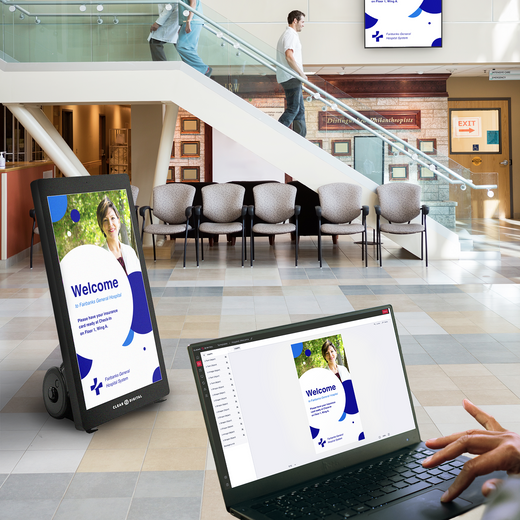
The main advantage of using signage media players is that they can connect to the internet. Meaning the player can simply stay plugged into the display while users create, schedule, and update content from their computer.
Signage media player vs. Thumb drive
Though signage media players and thumb drives are both hardware used to display content on a digital sign, there are distinct differences.
Price
Signage media players can range between $50 to $200+ depending on the size of an operation and needs. Budget-friendly options have simpler functions and are optimal for small businesses. Middle tier options are more powerful and can withstand constant use. Additionally, Middle tier players have premium features such as supporting HD content and remote management controls. Top tier options are best for large enterprises. With advanced processing power, connectivity, and display features, the most expensive signage media players are meant for high performance.
Thumb drives are low-cost and even more affordable, but it only has the ability to cycle through content that is initially downloaded. It's best for small businesses that are testing out digital signs or TVs, but it may not be a sustainable solution long term.
Dynamic Content
Scheduling, managing, timing, and designing interactivity can level up a business's digital signage. Using a signage media player includes these functionalities because it also acts as a content management system (CMS). This aspect streamlines processes and gives the user many options on how to customize content to fit their business goals.
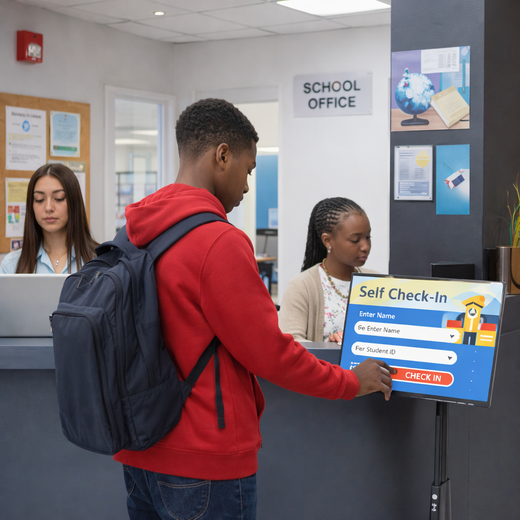
Interaction is increasingly becoming more important as digital signage grows. It adds one more opportunity for customers to interact with a business. Whether it's scanning a QR code, taking a survey/poll, or check-in, interactivity is a touch point for connection.
Thumb drives do not have the ability to display dynamic content. It can cycle through a slide show and present pictures and video, but it lacks customization. Businesses cannot time the duration or schedule content, and thumb drives lack touch screen capabilities. Simple display, such as a singular image, is the best application for thumb drives but more advanced content is not possible.
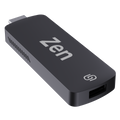
Signage media players such as the Sho Stick are a great plug-and-play solution for digital signage. Because it connects to the internet, managing what's displayed on a digital sign can be easily updated and changed from a laptop or the Sho mobile app. Sho, Clear Digital's CMS, seamlessly connects to a display through the Sho stick to make creating and managing content easy.
Remote Control
Signage media players have the ability to be controlled remotely. Once it is plugged in, changes made to content will automatically update. This is especially useful for businesses that use more than one screen because all content can be updated instantly from a laptop or app. Typos, updates, and alerts are easily changed, which saves precious time. Some CMS allow users to control devices and check permissions. This makes access secure and allows businesses to have an overview of device status and current content being displayed.
Thumb drives have no remote management capabilities, which means that device status, current content, and security can be easily compromised. Thumb drives can also be easily stolen, damaged, and changed. Without remote control, it is important to constantly monitor devices and content to make sure things are presented correctly.
Choosing a solution that works for you
Despite the differences, the most important thing is choosing a solution that works for a business' goal. Signage media players are the most powerful and flexible choice due to dynamic content and remote control features. Many signage media players also come with a CMS, so businesses get more value from the device. However, if a business has a limited budget, signage media players are more expensive compared to a thumb drive.
Thumb drives are the simplest solution to play content. For stagnant content that rarely needs to be updated, a thumb drive can be an effective option. However, thumb drives can be risky because they lack security and device management features. Because thumb drives are for displaying only, a business may need to buy to additional software subscriptions to design content, which may be more expensive in the long-run.
When deciding on using screen, TV, or digital sign, a business should evaluate the device's life-time value, intended use, and purpose. For businesses that want to use a screen to increase brand engagement and connection, using a signage media player can provide another touch point.
Wanna learn more?
Book a free demo here to learn more about Clear Digital's Sho stick, our signage media player, and Sho, our CMS.
Make sure to follow us on all social media platforms @GetClearDigital for tips and tricks, product unboxings, and more inspiration!