



Digital signage comes in many types, from menu boards and video walls to touchscreens, kiosks, and outdoor displays. The right type depends on your space, your budget, and the message you want people to see. Some businesses need one screen behind a counter, while others need a wall of displays or a sign that survives the weather. Here are 10 common types to help you match the tech to your goals.
In This Guide
- Digital Menu Boards
- Video Walls
- Interactive Touchscreens and Kiosks
- Outdoor Digital Displays
- Wayfinding Displays
- Digital Posters
- Freestanding and A-Frame Displays
- Tabletop Displays
- Mobile and Portable Displays
- Digital Podiums and Lecterns
1. Digital Menu Boards
Digital menu boards are screens that show menus, prices, and specials in place of printed boards. The format ranges from a single screen to a row of panels working as one board, all updated from software. Bright panels and high contrast keep the text easy to read from across a room.
Because the layout is digital, you can restyle it anytime without reprinting a thing. Our digital menu displays come in sizes and layouts built for counters of any width.
2. Video Walls
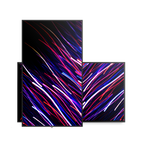
A video wall is several screens tiled together to act as one large canvas. This type makes a bold, eye-catching statement, which is why you see them in lobbies, showrooms, and events. They can show one giant image or split into many smaller messages at once. This makes them flexible enough for both branding and detailed information.
Video walls draw attention from far away, so they work well in big open spaces. Keep the content simple, since a huge screen with too much text is hard to read. You can explore layouts and sizes in our video wall displays collection.
3. Interactive Touchscreens and Kiosks
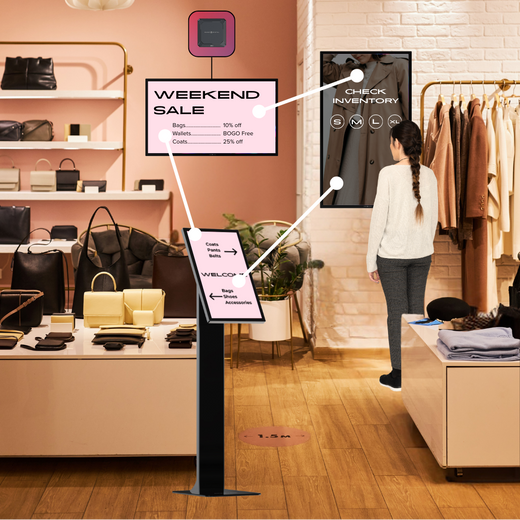
Interactive displays let people tap to explore maps, menus, or product info. Kiosks take this further by offering self-service, like check-ins, ordering, or wayfinding. This type shines when you want people to do something, not just look.
Place interactive screens at eye level and within easy reach so anyone can use them. Clear on-screen buttons help people know where to tap. These setups usually need a strong digital signage player behind them to run smoothly and respond to every tap.
4. Outdoor Digital Displays
Outdoor displays are built to survive sun, rain, and cold. They use much higher brightness so the content stays readable in direct sunlight, and sealed housings protect them from the weather. This type costs more, so you only want it where you truly need it.
A bright, sunny window can be a tough spot even indoors, so outdoor-rated screens sometimes help there too. Check the brightness rating before you buy, since a normal screen will wash out in the sun. Browse weatherproof options in our outdoor-ready displays collection.
5. Wayfinding Displays
Wayfinding displays are directory and map screens that guide people through a building. The format comes as a static map, a searchable directory, or an interactive touchscreen, and large sites place several at key decision points. It works best at eye level where people stop to get their bearings.
Keep the map simple and clearly mark the viewer's current spot so it is easy to follow. Interactive versions let people tap for step-by-step directions, and you update the map whenever a tenant, office, or department moves.
6. Digital Posters
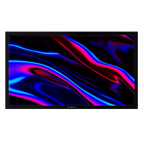
Digital posters are single flat-panel screens that replace printed posters. This is the most common and affordable type, perfect for menus, promos, and general messaging. Most businesses start here before adding bigger or fancier displays.
Keep each poster focused on one clear message so it lands in a glance. A little motion helps it stand out next to static signs. This simple type covers most needs and is easy to set up and manage. Many businesses run several digital posters together and control them all from one place.
7. Freestanding and A-Frame Displays
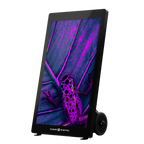
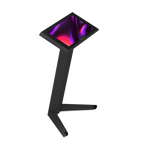
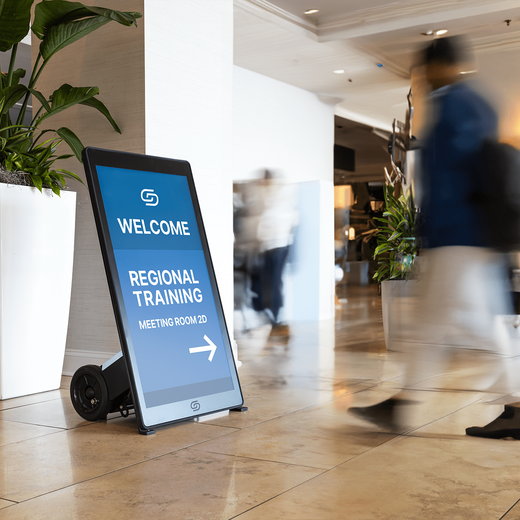
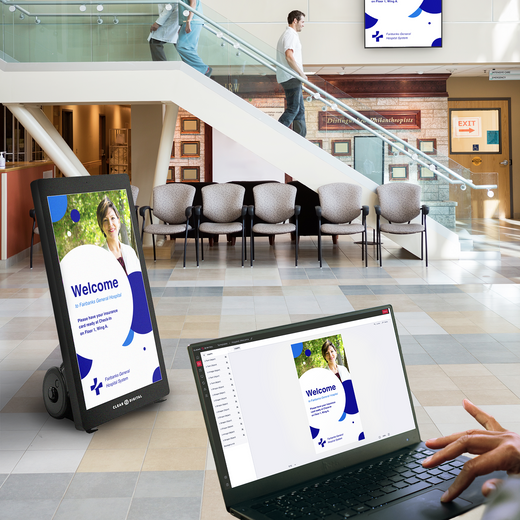
Freestanding displays sit on the floor and need no wall mount. Digital A-frames are a portable version you can wheel to an entrance, sidewalk, or event booth. This type is flexible, since you can move it wherever the message needs to be.
These stands grab attention at doorways and busy walkways. Many are slim and modern, which looks sharp compared to a chalkboard sign. Some run on battery power, so you are not tied to a nearby outlet.
8. Tabletop Displays
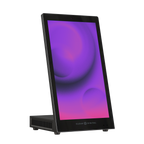
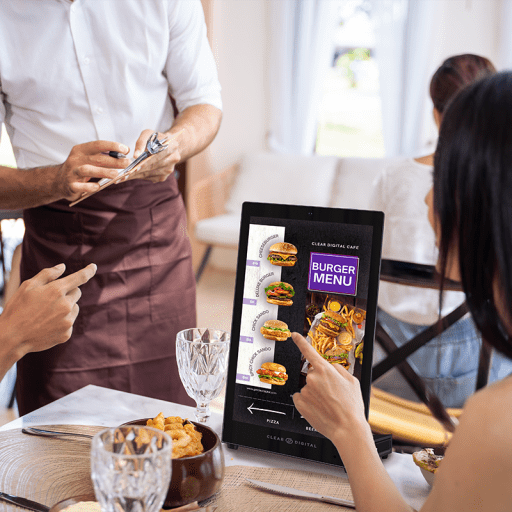
Tabletop displays are small screens that sit on a counter, desk, or table. You see them at checkout counters, reception desks, and trade show tables. This type is great for close-up messages like promos, wait times, or check-in info.
Because they are small, they work best where people stand nearby. Keep the text large and simple so it reads well up close. They are easy to move and set up, which makes them handy for events and pop-up shops. A tabletop screen can also show a short video loop to catch the eye of anyone waiting in line.
9. Mobile and Portable Displays
Mobile displays are built to move, often on wheels or battery power. This type is perfect for events, pop-ups, and spaces where you rearrange often. You can roll a screen into place, show your content, and move it later with no rewiring.
Battery power means you can place these screens where outlets are scarce. Look for a long battery life if you plan to run these screens all day. Their flexibility makes them a favorite for trade shows and seasonal setups. Because nothing is bolted down, you can test different spots to see where the screen gets the most attention.
10. Digital Podiums and Lecterns
Digital podiums combine a speaking stand with a built-in screen. This type fits presentations, events, houses of worship, and front desks. The screen can show branding, slides, or a welcome message while someone speaks. It keeps the audience focused and gives a professional, modern feel to any stage or front desk.
A digital podium looks polished and saves you from setting up a separate display. It also doubles as a check-in or info point when no one is presenting, so the screen stays useful all day. You can browse real digital signage examples for ideas on where each type fits best in your own space.
Ready to Choose Your Type of Digital Signage?
Digital signage spans many types, from simple digital posters to full video walls and weatherproof outdoor screens. Once you know how people move through your space and what you want them to see, the right type becomes clear. Starting with one screen and a clear message is often the smartest and safest way in.
The type you pick works best when you see it running in your own space. Our own CMS, Sho, makes it easy to manage any screen from one place, and the simplest way to explore it is a live demo. Book a free demo and we will walk you through the platform, suggest the right displays for your layout, and build a custom quote with no commitment.








)