

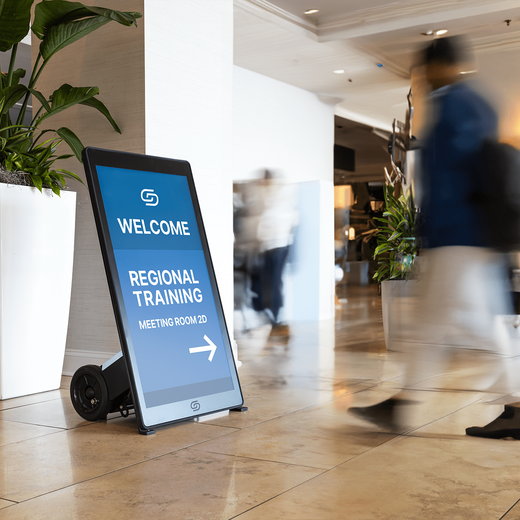
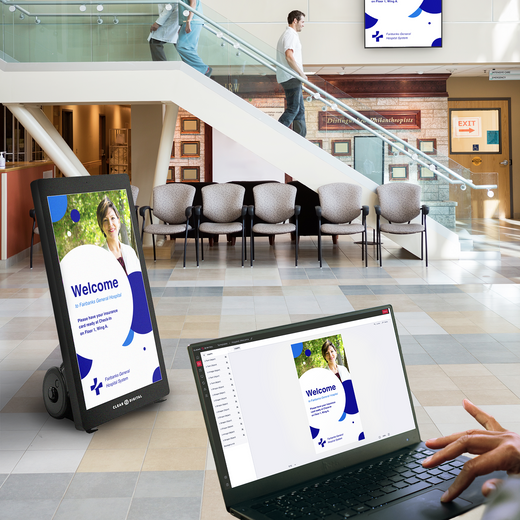

Digital signage is any screen that shows digital content like images, video, menus, or live data to share information or promote a product. Instead of printed posters or static signs, you use displays that you can update anytime from a computer or phone. You see it in stores, restaurants, offices, schools, and lobbies. This guide breaks down how it works, what goes into a system, and why so many businesses are making the switch.
Key Points
-
Digital signage shows content on screens that you control from anywhere.
-
A complete system needs a display, a media player, and software.
-
You can change what plays in seconds, with no printing or reposting.
-
It works for menus, promotions, wayfinding, news feeds, and more.
-
It saves money over time by cutting print and labor costs.
1. How Does Digital Signage Work?
Digital signage works by sending your content from software to a screen through a small device called a media player. You upload images or video to the software, build a playlist, and the player pulls that content and shows it on the display. Since everything runs over the internet, you can update what plays without ever walking up to the screen.
At its core, the system is just three things talking to each other: the software where you plan, the player that runs the content, and the screen that shows it. You spend your time in the software, and the other two parts do their jobs in the background. That split is what lets one person keep many screens looking sharp.
The setup is simpler than most people expect, even if you have never managed screens before. You plug a player into a display, connect that player to your network, and sign in to your software to start scheduling content. From there, the system runs on its own and keeps playing your latest content until you change it. Our guide on how digital signage works covers every step in detail.
Once your content is scheduled, the player checks in with your software and pulls down anything new. That means a sale you set up in the morning can be on every screen before the doors open. You stay in control the whole time, and the screens do the routine work for you.
Tip: Start with one screen and one playlist before you expand. A small first setup is easier to test, and it gives you room to learn the software without pressure. Once you feel comfortable, adding more screens takes only a few minutes each.
2. What Are the Parts of a Digital Signage System?
Every digital signage setup is built from a few core pieces that work together as one system. Knowing what each part does helps you plan a setup that fits your space and your budget. None of these pieces is hard to understand once you see how they connect.
Here are the main parts you will work with:
-
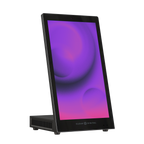
Display: The screen that shows your content, such as a TV, video wall, or touchscreen.
-
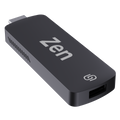
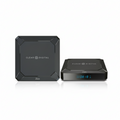
Media player: The device that stores and plays your content. Our guide on digital signage players explains the options.
-
Software: The platform where you upload, schedule, and manage everything you show.
-
Network: The internet or local connection that links your player to your software.
-
Content: The images, video, and text your audience actually sees on screen.
When these parts work together, you get a system you can run from one dashboard instead of touching each screen by hand. The display and player are the hardware, while the software and content are what you change day to day. Once the hardware is in place, almost all of your work happens in the software. Tip: Match your screen size and brightness to the room so your content stays easy to read. A bright window or a far viewing distance can wash out a screen that looked fine in the store.
3. Where Is Digital Signage Used?
Digital signage shows up almost everywhere once you start looking for it. Different industries use it for different goals, from selling more products to guiding visitors through a building. The same basic system works for all of them, just with different content.
Here are common places you will find it in action:
-
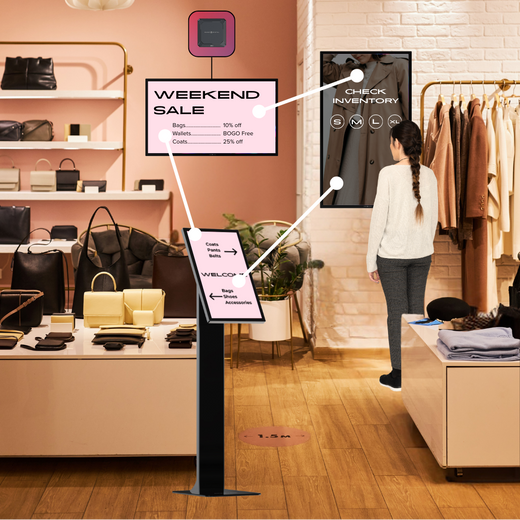
Retail stores use it for promotions, product features, and seasonal sales.
-
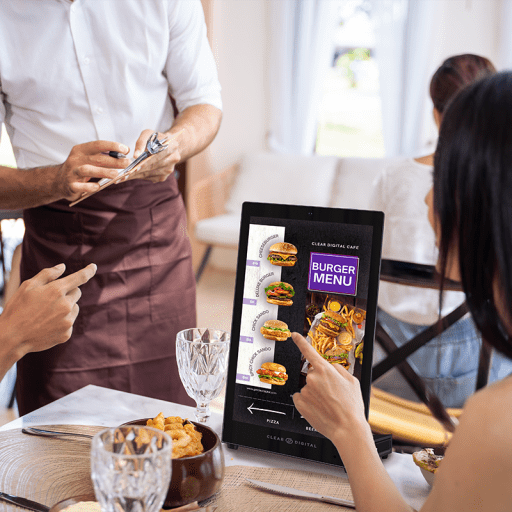
Restaurants use digital menu boards that update prices and items fast.
-
Offices use it for internal news, safety updates, and meeting room schedules.
-
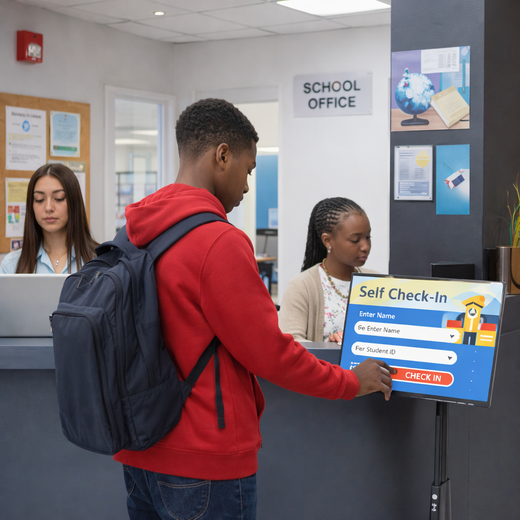
Schools and campuses use it for announcements and wayfinding.
-
Clinics and hospitals use it for check-in info, wait times, and health tips.
Each of these uses the same core setup, so the lessons you learn in one space carry over to another. The content is what changes, not the system behind it, which is why signage scales so well across very different settings. A small coffee shop and a large hospital can run the same kind of platform with very different messages.
Tip: Look at how others in your industry use signage before you plan your own content. Studying real examples gives you proven ideas you can adapt instead of guessing from scratch.
4. What Are the Benefits of Digital Signage?
The biggest benefit of digital signage is speed and control. You can change a message across every screen in seconds, which is something printed signs can never match. That flexibility helps you react to sales, events, or last-minute changes without waiting on a print shop or a delivery.
Over time, digital signage also saves real money. You stop paying for printing, shipping, and the labor it takes to swap out static signs, and your screens keep working for years on the same setup. Motion and video also tend to grab more attention than paper, so your messages get seen more often and remembered longer. Many platforms even let you show the right message at the right time of day, which helps you reach the crowd that is actually in the room.
There are softer benefits too that add up over time. Your brand looks more modern when your screens are sharp and current, and your team spends less time on busywork like printing and posting. You also gain a single, consistent voice across every location, since the same content can play everywhere at once.
Tip: Track which messages get the best response so you can do more of what works. When you can see what content drives sales or clicks, you stop guessing and start planning around real results.
Ready to Get Started?
Digital signage gives you a flexible, low-cost way to share content on screens that you control from anywhere. With the right display, player, and software, you can update messages in seconds and reach your audience where they already look. It fits almost any space, from a single screen at the front desk to a full network across many locations.
When you are ready to put it into action, our CMS, Sho, gives you one simple place to upload, schedule, and manage everything you show. See how Sho works with a quick demo and build your first playlist today.